
Project
Windmenu
A minimal, keyboard-driven application launcher for Windows.
I've spent years bouncing between different operating systems, and I always found a pillar in dmenu's simplicity and portability. That minimal, keyboard-driven launcher that lets you summon any application without touching the mouse. I wanted something like that on Windows too.
On Launchers§
An operating system should be an extension of volition: you think of a program, a fragment of data, and it manifests in the fewest steps possible, with the least amount of latency possible. It should aspire to be like a mental glove that transduces intent into execution, orchestrating a rhizome of tapered mechanical fingers in digital space.
When you approach the keyboard, you already know what you want to run: a browser, a text editor, a music player. Running a program is the very first action you take. On Linux desktops, this immediacy is understood, and not just in minimalist tiling window managers for power users, but in mainstream environments too.
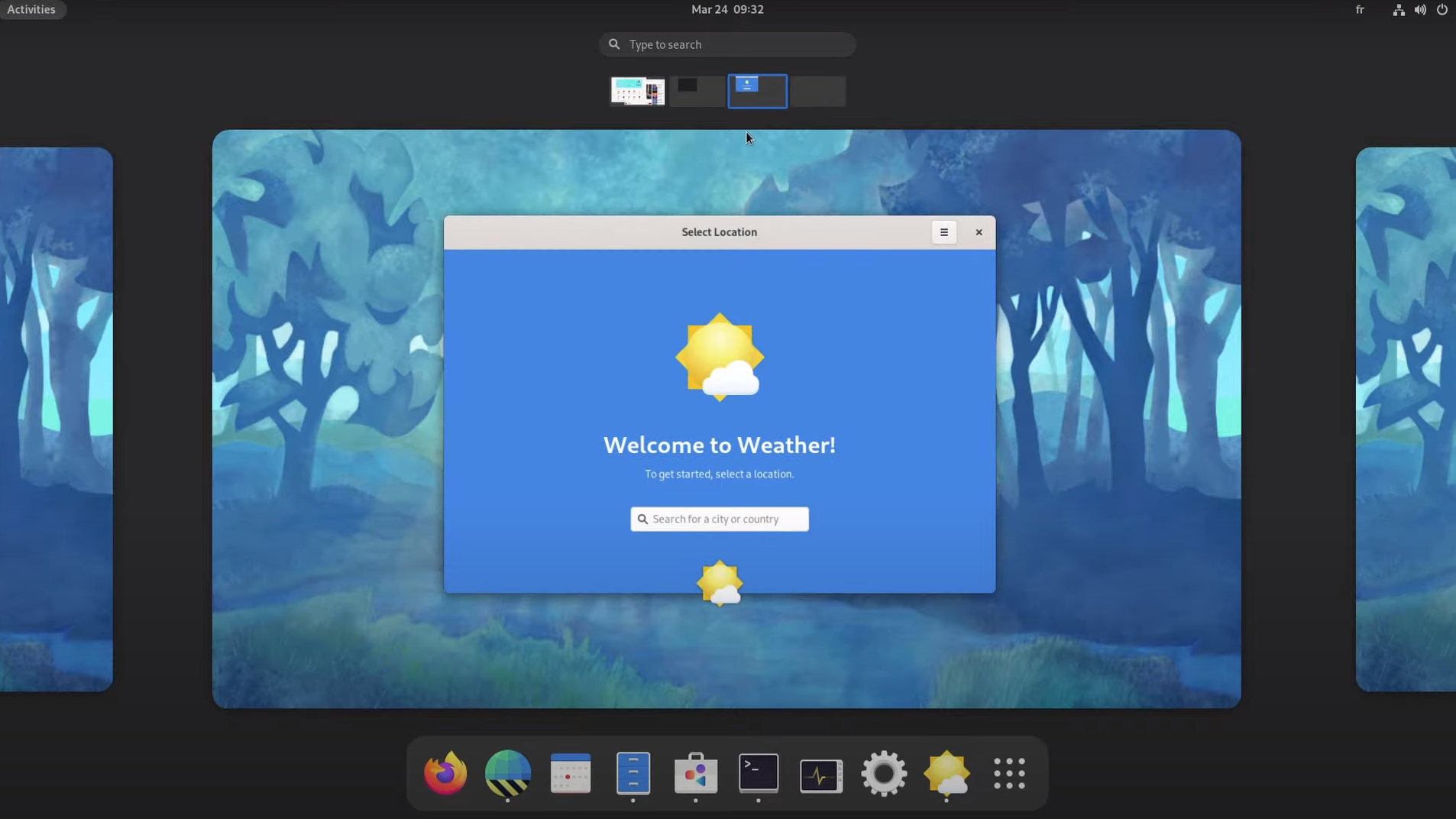
KDE demonstrates this perfectly: while offering comprehensive mouse-driven interaction, it also provides KRunner, a keyboard-driven launcher so smooth I wouldn't even need dmenu there. GNOME, on the other hand, pursues an even deeper level of immediacy, since it drops you straight into the activities overview when you login into the system. Clean, direct.
But the built-in Windows search? It's a mess. Microsoft has been incorporating React Native into Windows 11 for parts of the Settings app and Start Menu. They're spinning up a JavaScript runtime and rendering engine for system UI components. On first launch in a session, if your CPU is busy, it visibly lags. The previous menu weren't perfect, but they were lighter on system resources. The new one loads ads, web results, and "helpful" suggestions you never asked for, all while consuming CPU cycles that could be doing actual work. And if you don't disable web search, it lags whenever you search for anything - doesn't matter how powerful your machine is, doesn't matter the state of the CPU.[1]
Someone might say:
Computers are powerful nowadays, you can't even notice that!
Wrong. You can notice, and that line of thinking is why we have paradoxically less performant commercial OS than 30 years ago.
My own ritual, for example, usually begins with Emacs; when I'm on Windows, this means running the GUI version through WSL-1 and a X server. I didn't want to open a terminal emulator to launch a GUI: a hotkey, some typing, done. That's how it should be. [2]
This specific need actually drove the whole custom command system. If a launcher couldn't handle arbitrary commands, it couldn't solve my problem; and that's what I wanted to achieve on Windows: to transplant the actual dmenu philosophy - a rectangle with text, high contrast, no translucent blur effects, no fade animations, no compositing - just a well-contrasted surface with program names that appears instantly when you press the hotkey.
There are third-party launchers for Windows already: PowerToys Run has beautiful UI, but beauty wasn't the point. I wanted minimalism: do one thing (launch programs or scripts), do it well, do it fast. This meant building with pure Win32 APIs. No frameworks, no rendering engines, no external UI libraries. Something lean enough it could theoretically run on Windows 3.1.
These project notes follow Windmenu from its first implementation onward.
-
There's also Copilot integration in the search now. Another AI layer sitting between you and your programs, analyzing search behavior to suggest actions. The taskbar search is being replaced with "Ask Copilot" - more processing, more latency, more things you didn't ask for. ↩
-
Of course, ideas flourished while I was working on it and now I do many other things with it, but this illustrates the core need. (We'll talk about how I use Emacs on Windows another time, I don't want to go off topic). ↩